How to Use Snaptik
Downloading your favorite TikTok videos without watermark is quick and easy with Snaptik. Follow this simple guide to save high-quality TikTok content to your device in just a few steps.
1
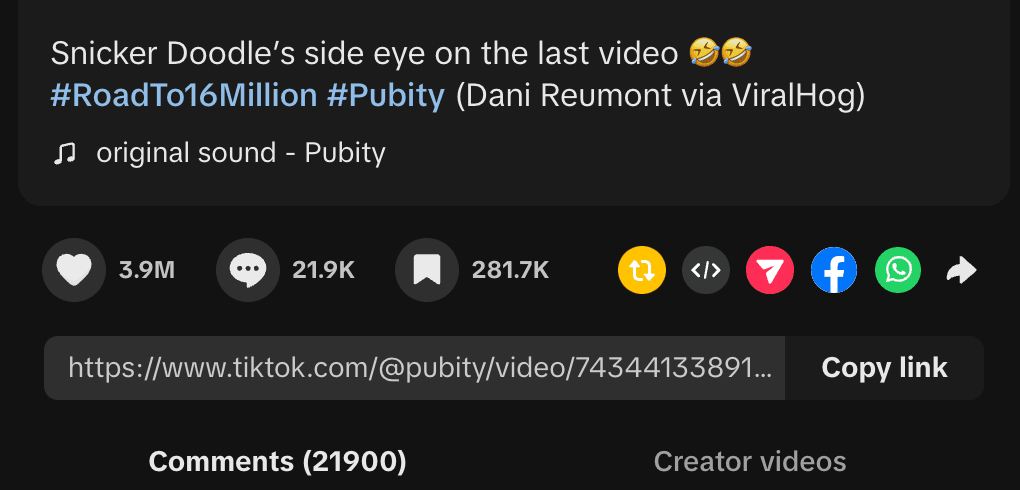
Copy Video URL
Open TikTok app or website, find the video you want to download, tap Share and then Copy Link
2
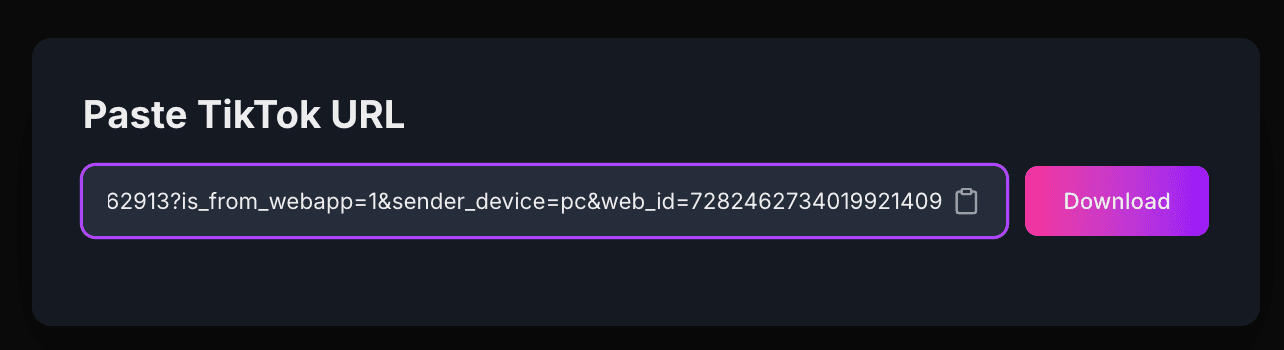
Paste URL
Paste the copied TikTok URL into the input field on our website
3
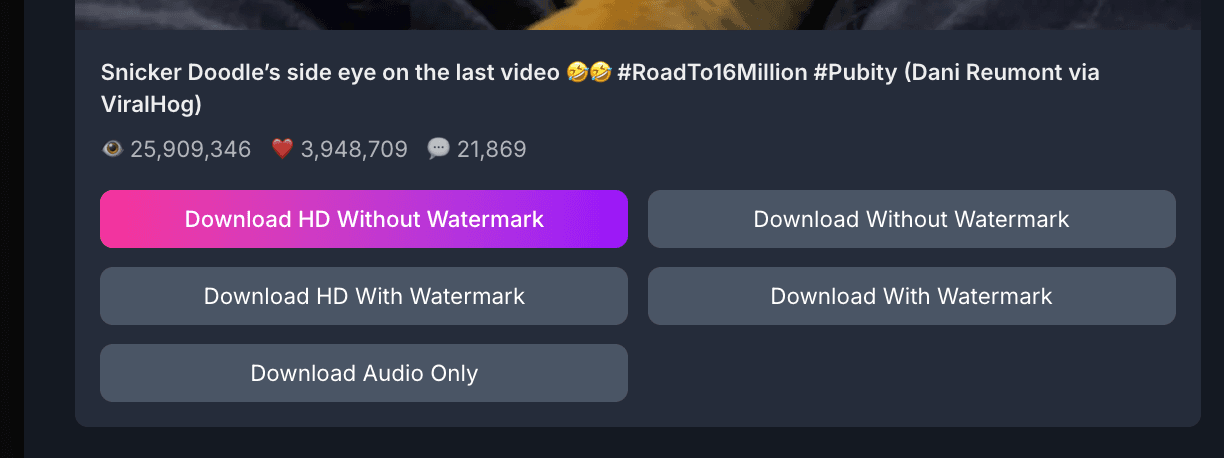
Choose Quality
Select your preferred quality option (HD 1080p or 720p)
4
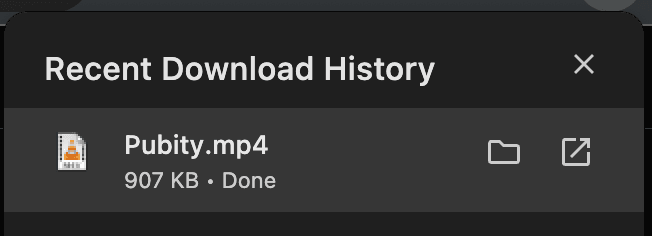
Download
Click the Download button and save the video to your device
Pro Tips
- For slideshow posts, you can download the entire slideshow or individual images
- Long videos (up to 10 minutes) are fully supported
- The 'Download Audio Only' option extracts just the sound from the video
- If download doesn't start automatically, right-click on the download button and select 'Save link as...'
- For mobile users, tap and hold the download button, then select 'Download link' or 'Save to device'
Available Download Formats
Snaptik offers multiple download options to suit your needs:
HD Video (No Watermark)
High-definition video without the TikTok watermark, perfect for reusing on other platforms.
HD Video (With Watermark)
Original video with the TikTok watermark intact.
Audio Only (MP3)
Extract just the audio track from the video in high-quality MP3 format.
Slideshow
For TikTok photo collections, download the entire slideshow in video format.
Individual Photos
Extract individual images from TikTok slideshows in their original quality.
Stories
Download TikTok stories with full privacy protection. Access temporary story content before it expires in 24 hours.
Private Post
Securely download private TikTok posts that require special access permissions. Maintains content privacy and creator confidentiality.
Custom Quality
Choose between HD (1080p) or standard (720p) quality based on your needs.
Troubleshooting Common Issues
Experiencing problems with Snaptik? Here are solutions to the most common issues:
Invalid URL error
Make sure you've copied the entire TikTok URL. Try opening the video in the TikTok app, tapping Share, then Copy Link, and paste the fresh URL.
Download not starting
Some browsers block automatic downloads. Try right-clicking the download button and selecting 'Save link as' or check your browser's download settings.
Video quality is low
Select the HD option when available. Note that we can only download at the quality TikTok provides, which varies by video.
Cannot download private videos
Snaptik can only download publicly accessible TikTok videos. Private videos cannot be downloaded due to TikTok's privacy restrictions.
Download failed message
The video might be temporarily unavailable or removed from TikTok. Try again later or check if the video still exists on TikTok.
Need More Help?
If you're still experiencing issues with Snaptik or have questions not covered in this guide, we're here to help.